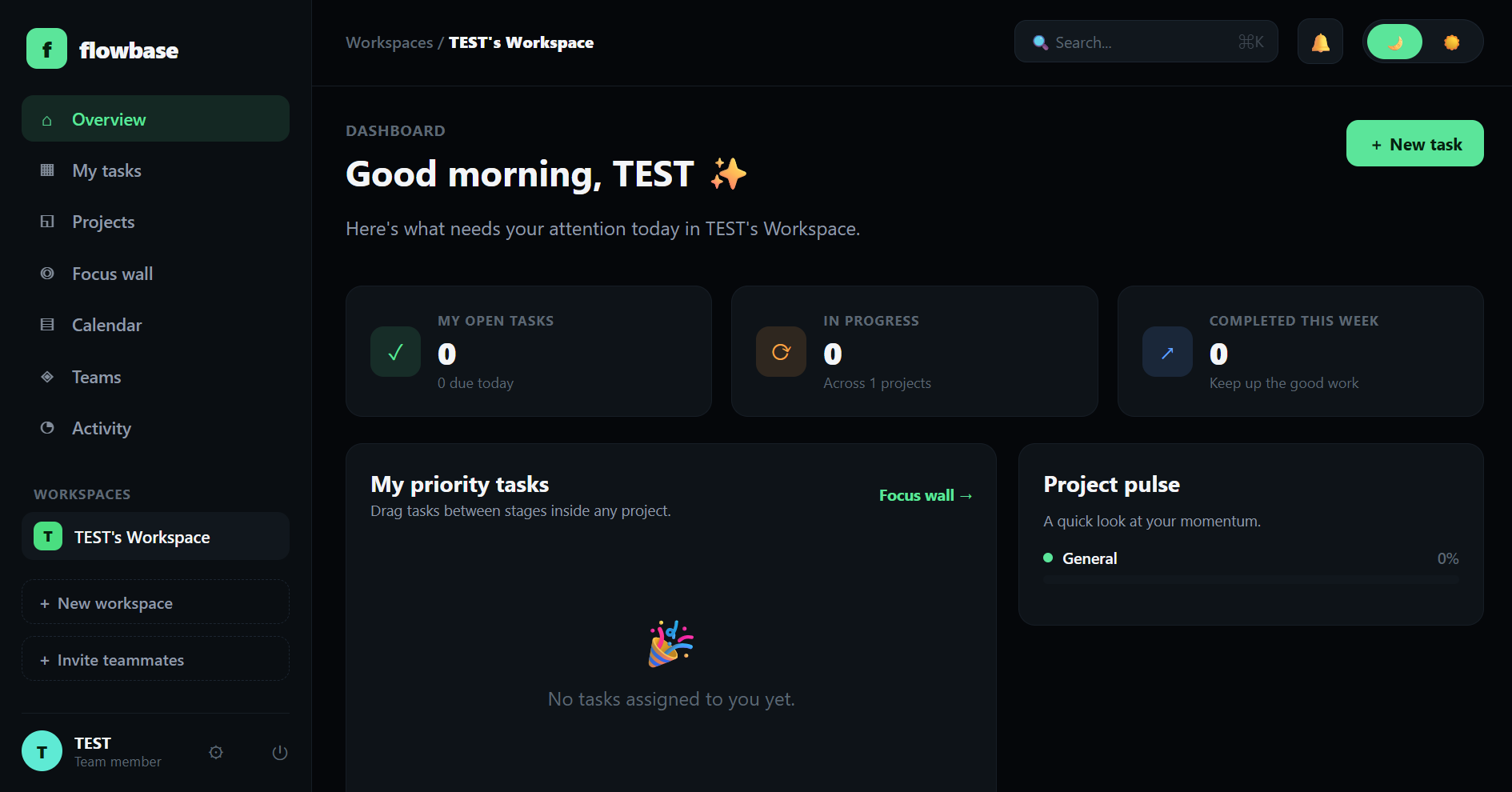
A Django-powered team workspace platform — a dark-themed hub for Kanban
task boards, sticky-note brainstorming, calendars, and team collaboration. A real,
persistent, multi-user web application, not a single-page demo.
Flowbase is a workspace-based collaboration tool for small teams — the kind of tool
that sits between a task tracker and a shared notes board. Every user gets a personal
workspace on sign-up, can belong to multiple workspaces (personal + team spaces), and
switches between them from the sidebar.
Problem
Small teams often bounce between disconnected tools for tasks, notes, and scheduling.
Flowbase's goal is to keep those three close together, scoped to a single workspace,
without the overhead of a heavyweight project-management suite.
Solution
A workspace-first structure built entirely in Django: real authentication, Kanban task
boards with drag-and-drop columns, a persistent Focus Wall for loose ideas, a real
month-view calendar with notifications, and team management — every sidebar tab is its own
Django URL/page, not a single scrolling view.
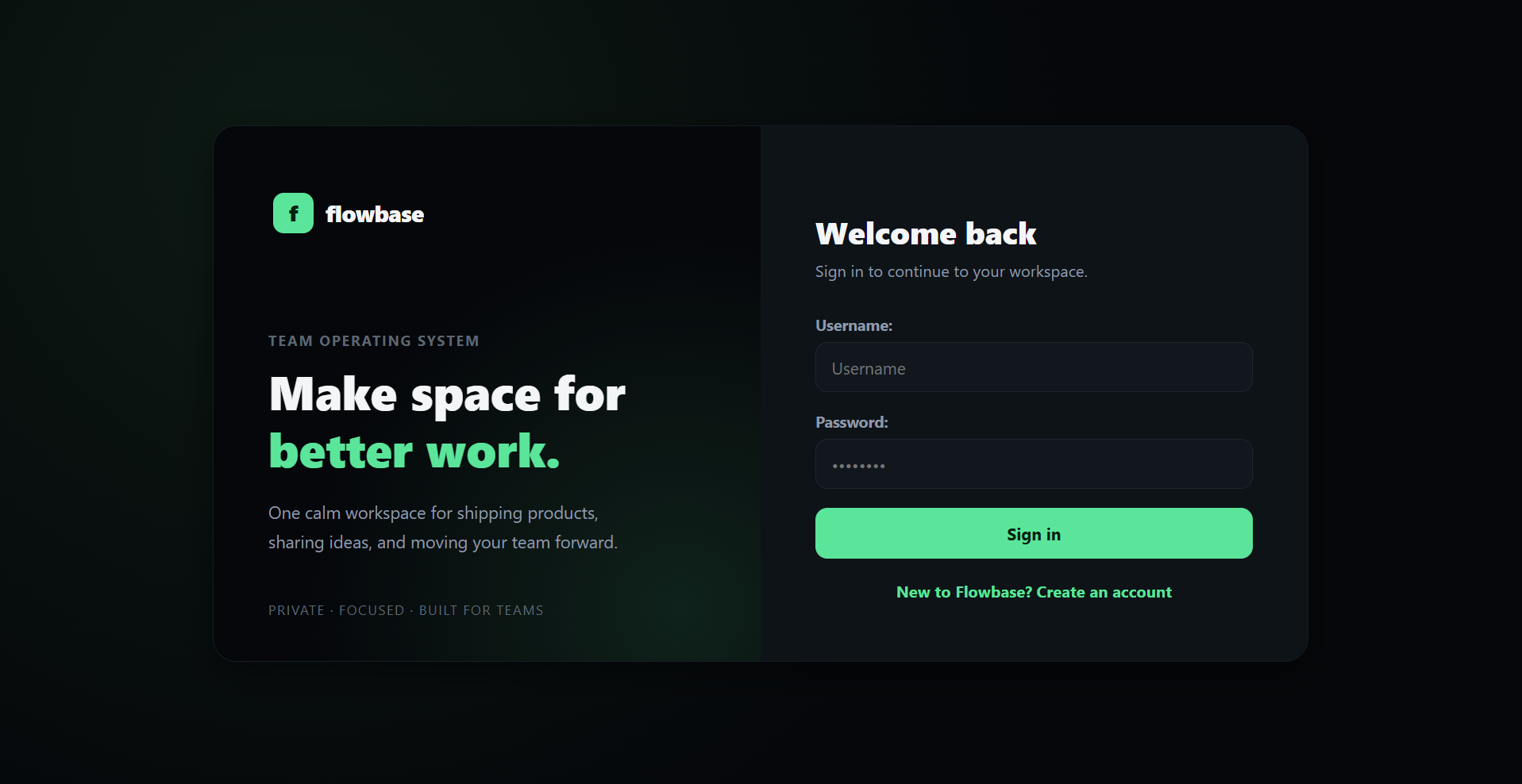
Authentication — sign in / sign up, each user gets a personal workspace
Demo Logintest/test1234
Key Features
Real authentication: sign up / log in / log out with a custom Django
User model; every new user automatically gets their own personal workspace.
Multi-workspace support: belong to multiple workspaces, switch from
the sidebar, and invite teammates by email.
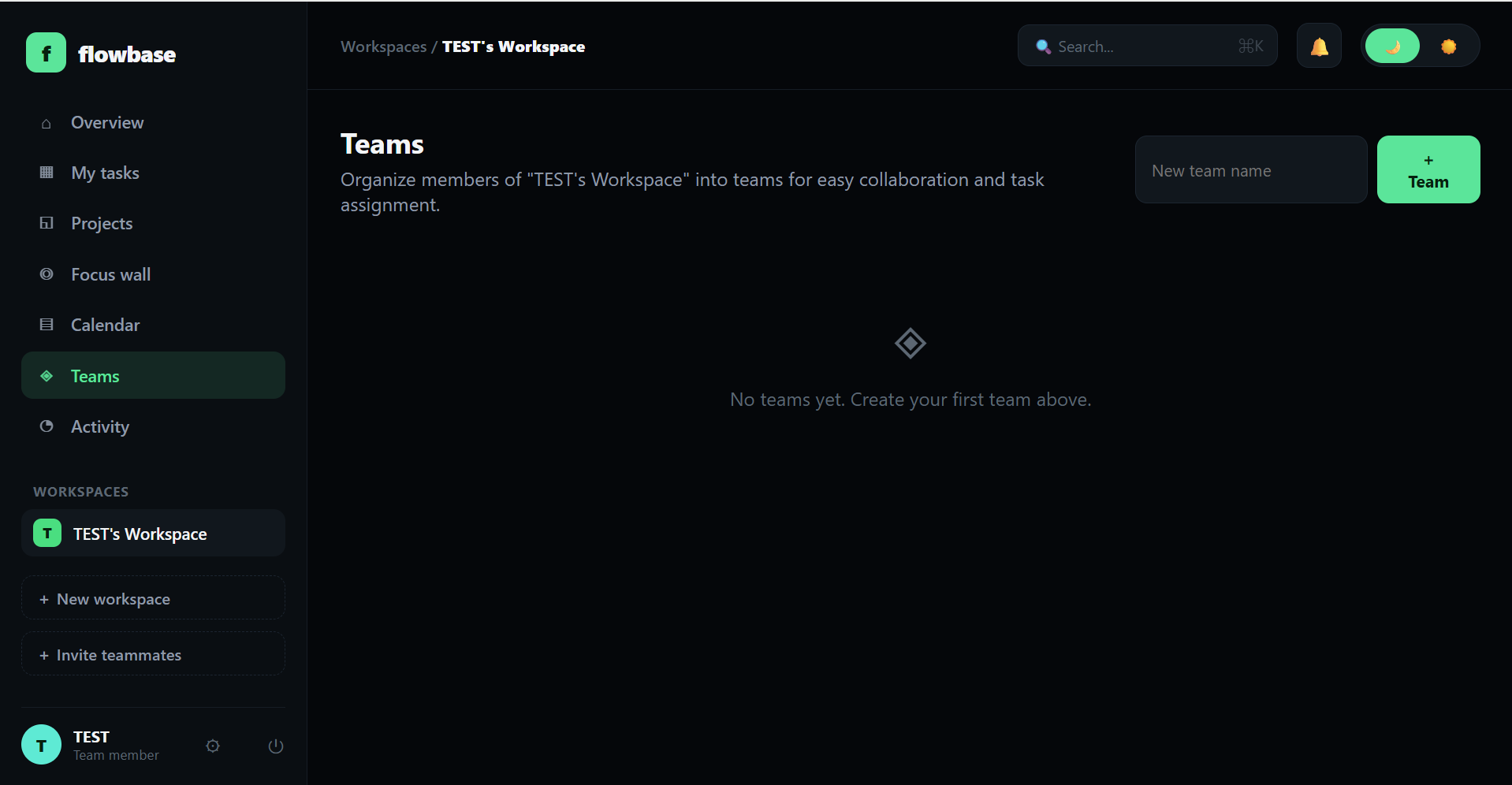
Teams: group members into teams inside a workspace and quick-assign
a whole team to a task.
Kanban task boards: create projects, drag & drop tasks between
To do / In progress / Completed, set priority and due dates, assign teammates — saved via
AJAX with no page reload.
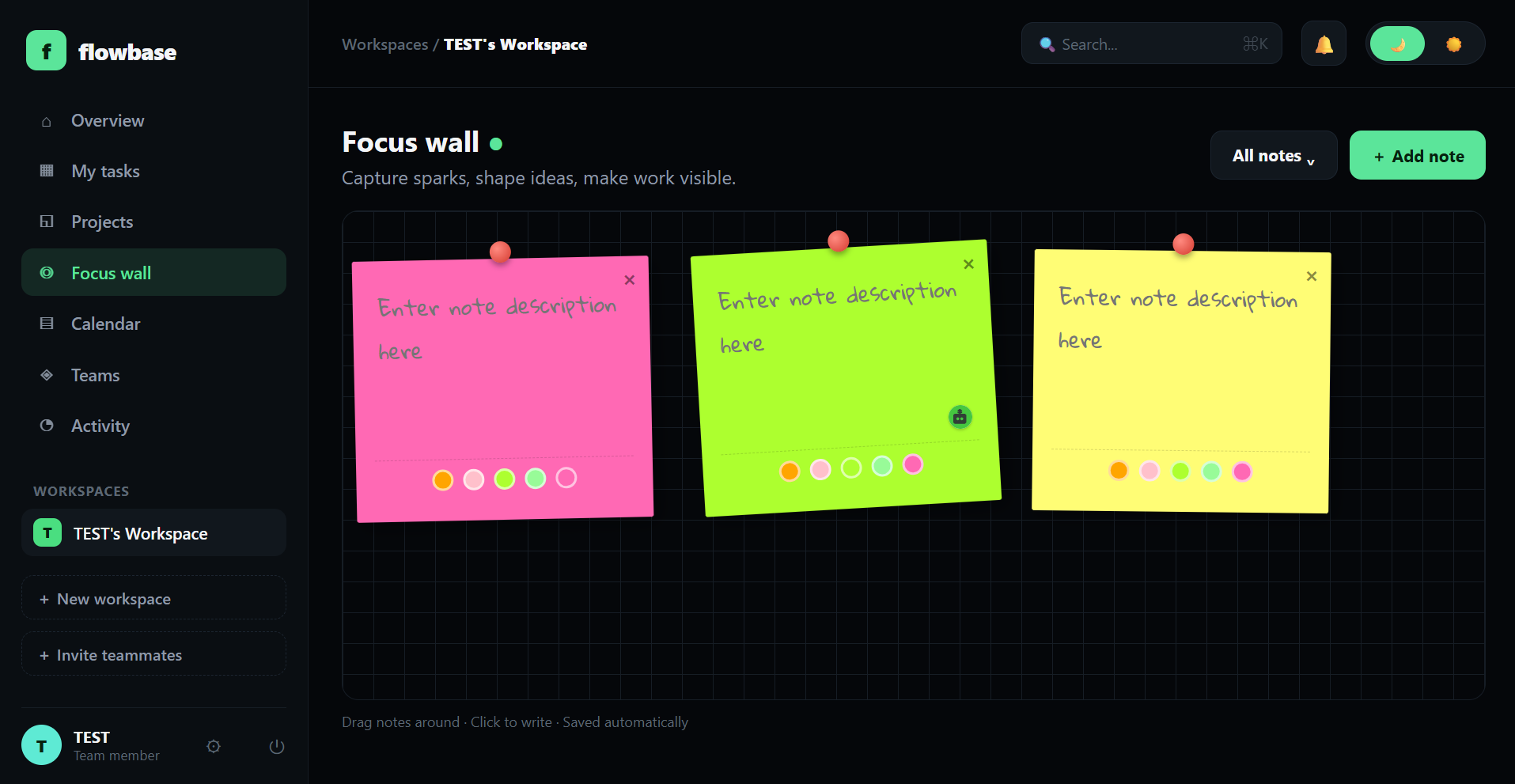
Focus Wall: a sticky-note board (drag, recolor, delete, auto-rotate)
that persists every note's position, color, and text to the database per workspace.
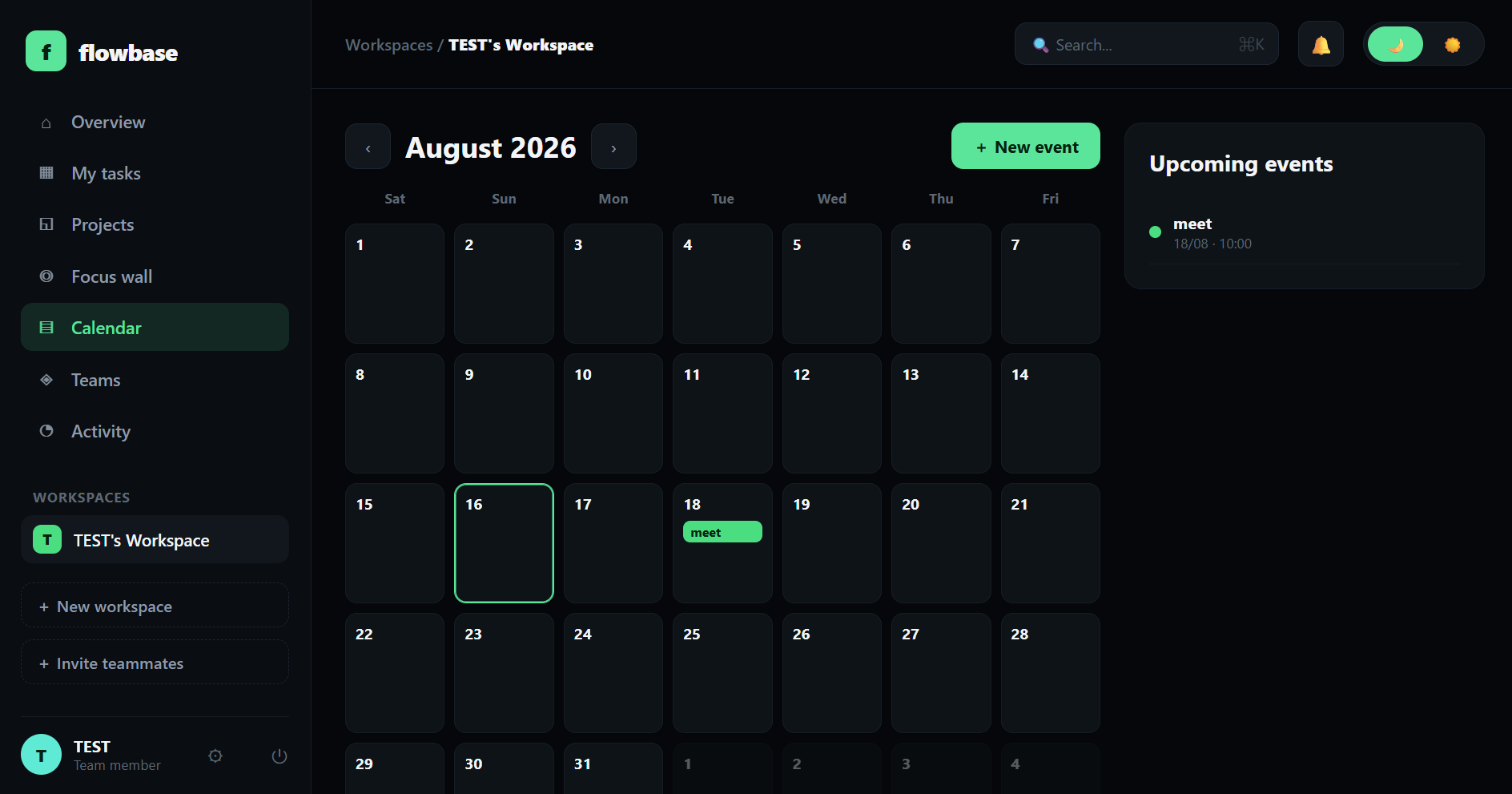
Calendar: a real month-view calendar tied to a workspace, with event
invites and notifications for invited teammates.
Notifications: task assignments, event invites, and workspace
additions push to a bell-icon dropdown and a dedicated notifications page.
Dark / light theme: instant toggle, preference saved per user.
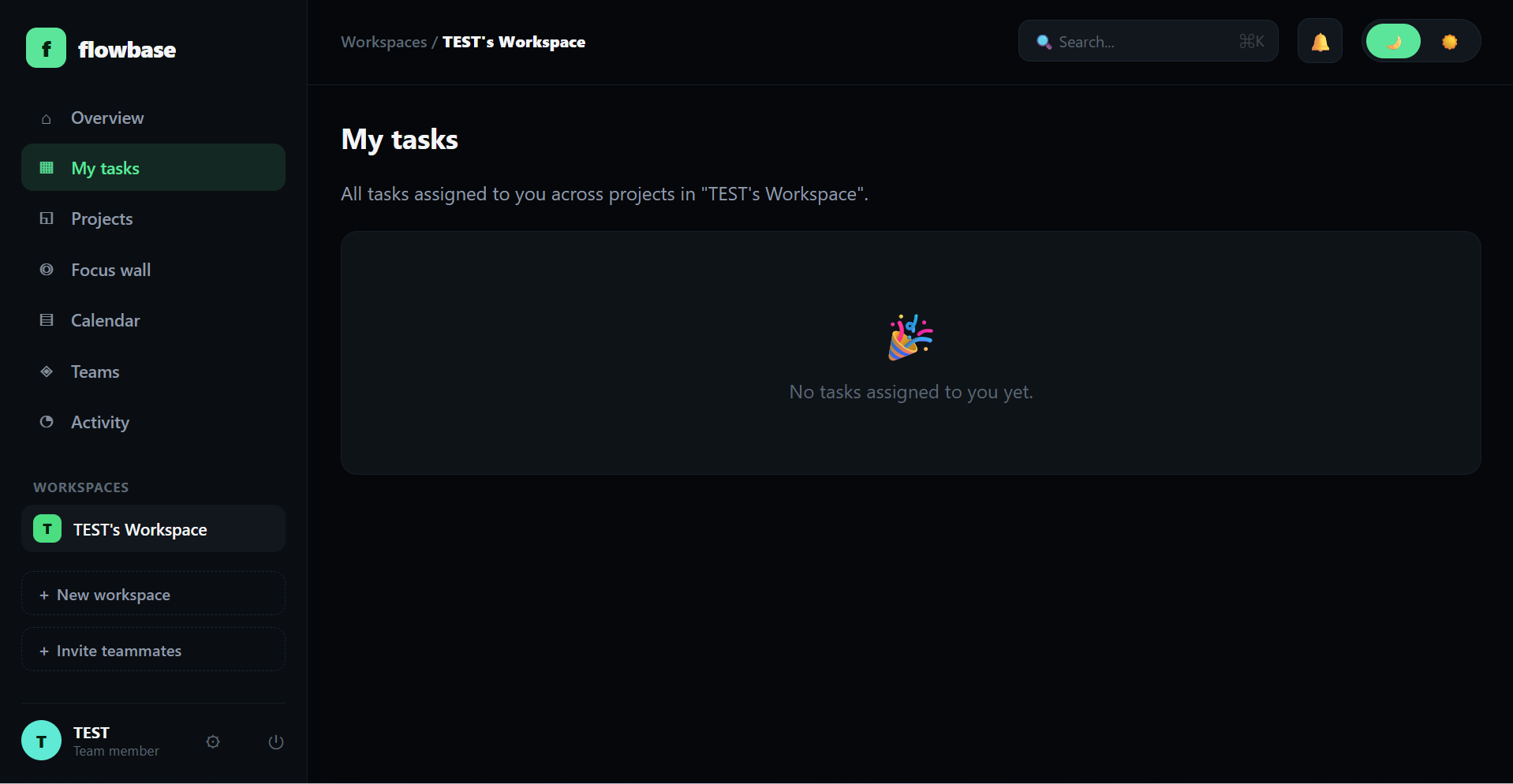
Focus Wall — drag notes, click to write, autosaved per workspaceTeams — group members, quick-assign to tasksMy TasksCalendar — month view, event invites & notifications
Architecture
A modular Django project, split into focused apps rather than one monolithic app:
accounts — custom User model, login/signup/settings, theme toggle.
workspaces — Workspace, Membership, Team, Invite, and the dashboard.
boards — Project, Column, Task, Comment: the Kanban logic.
stickywall — the Note model behind the Focus Wall.
events — the Event model behind the Calendar.
notifications — the Notification model and bell dropdown.
Every feature is scoped to a workspace at the data layer, with server-rendered Django
templates plus targeted AJAX calls (jQuery / jQuery UI) for drag-and-drop interactions that
shouldn't need a full page reload.
Workspace-scoped data model: every feature — tasks, notes, calendar,
teams — is namespaced under a workspace rather than global, at the model level.
App-per-domain structure: six focused Django apps instead of one
monolithic app, each owning its own models, views, and URLs.
AJAX where it matters: Kanban drag-and-drop and Focus Wall edits save
without a page reload, while the rest of the app stays simple, server-rendered Django —
no SPA framework overhead where it isn't needed.
Production-aware persistence: ships with gunicorn,
whitenoise, and dj-database-url so it deploys straight to Render
with a provisioned Postgres database — deliberately avoiding SQLite in production, since
most hosts wipe the filesystem on redeploy.
Results
Flowbase is deployed and publicly accessible as a working demo, seeded with a sample
workspace, project, tasks, notes, and an event. No production usage metrics are published
here.